
Now in standard projects, when creating a client invoice, you will be able to filter by languages.
To do so, follow the steps below:
First go to the “Cost” tab of your standard project and click on “Add new”:

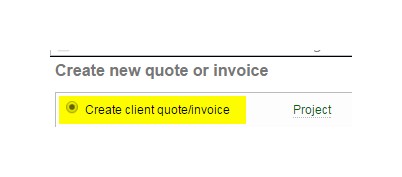
Select 'Create client quote/invoice':
In the following window, you can tick a box to select the languages to invoice:

The invoice will then contain only the languages that you have selected:

Comments
1 comment
Would it be possible, in quotes/invoices, to show one-line calculation (discounts included) p/language or service? Possibly, at the bottom of the quote/invoice the total amount saved will be displayed.
Please sign in to leave a comment.